
So You Want to Get Into AI and You're Not Sure Where to Start
New to AI? Choose an assistant, try ten everyday tasks, learn how to ask useful questions, check answers, protect your privacy, and decide whether to pay.

New to AI? Choose an assistant, try ten everyday tasks, learn how to ask useful questions, check answers, protect your privacy, and decide whether to pay.

Use AI to turn rough thoughts into clear, normal emails without sounding fake, stiff, or too formal.

Keep an AI conversation useful across days by saving the decision, the next step, and the context you want to reuse.

Learn how to push back on weak AI answers so you can verify, correct, and improve them without losing confidence.

Save the useful parts of AI conversations so you can reuse what worked instead of starting over every time.

Avoid five common beginner questions that lead to weak AI answers, and learn what to ask instead.

Build a small saved prompt library from prompts that already worked, without turning it into a productivity project.

Use four simple questions to check whether your AI request is clear enough before you send it.

Use three simple follow-up lines when AI gives you a vague, wrong, or off-target answer.

Give your AI useful low-risk context during week one so it can help with real life faster.

If using AI makes you feel awkward or behind, start with private, low-pressure tasks that build confidence.
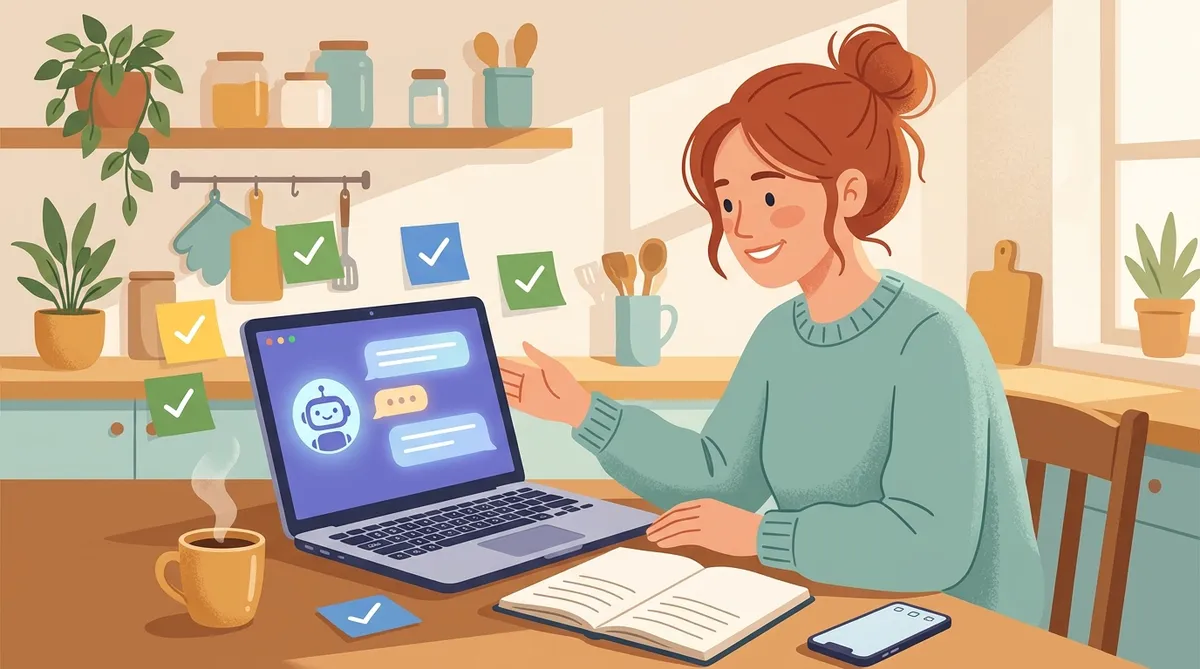
Try five simple AI prompts for email, meals, decisions, appointments, and reminders. Each one takes about five minutes to set up.

AI coding assistants help turn plain-English ideas into websites, automations, and small software projects. Here's what they are and why non-developers should care.
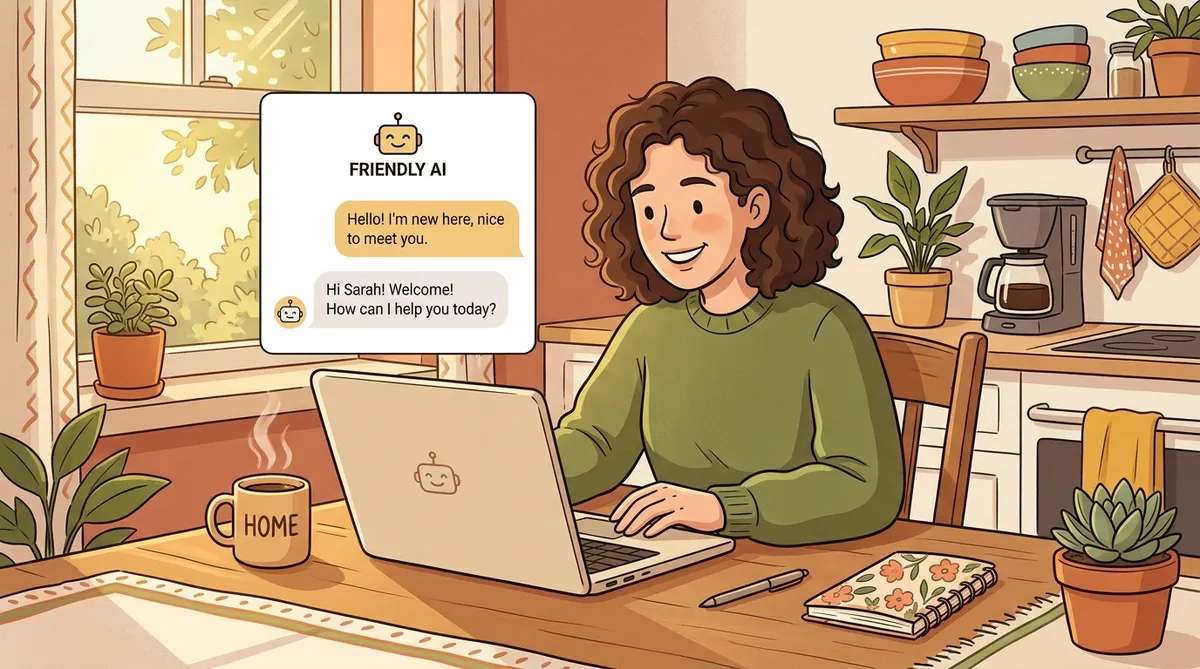
Never used AI before? Start with these simple first messages and learn what to say next when the answer is not quite right.

AI isn't the threat. Falling behind the people who learn to use it is. Here's why it matters and what you can do about it starting today.

A simple self-assessment to figure out how much AI could change your work life, based on what you actually do every day.

Stop getting generic answers. Learn how to talk to AI like a coworker and get useful results every time.

Most people stop after the first answer. These 7 follow-up questions turn generic AI responses into exactly what you need.

A simple framework for deciding what to automate and what to keep doing by hand. If you've done it three times, it's time to build a shortcut.
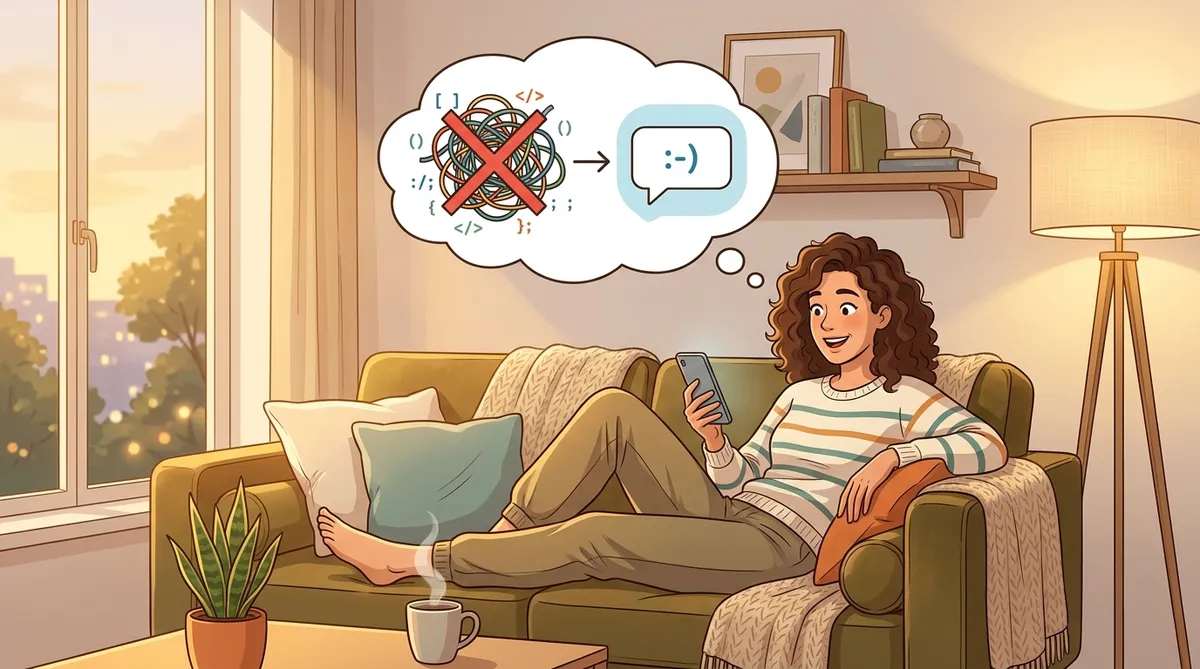
There is no AI learning curve. If you can ask a question and explain what you need, you already have the only skill that matters.

Five practical ways parents can use free AI tools today: meal planning, homework help, scheduling, creative play, and cutting through school paperwork.

One prompt, five minutes, a full week of dinners plus a grocery list. Here's exactly how to use AI for meal planning.

You don't need fancy apps to have a personal assistant. Here's how to start using free AI tools for email, scheduling, research, and more.

Claude skills let you teach your AI assistant how to do things your way. Set them up once, use them forever.

AI is changing how people work, hire, and get things done. Here's why learning the basics now gives you an edge, and the practical steps to start today.

A practical, no-hype guide to what Alexa+ can do right now, especially if you shop on Amazon or have Echo and Fire TV devices at home, plus real scripts you can try today.

A simple, repeatable job search workflow using AI. Pick a target role, build strong materials, apply faster, prep for interviews, and learn what you need.

A simple, beginner-friendly look at how AI chat tools save time, reduce stress, and help you get more done each day.

Stop doomscrolling. Use a simple search system + an AI “job post triage” prompt to find better roles faster and skip the ones that won’t work for you.
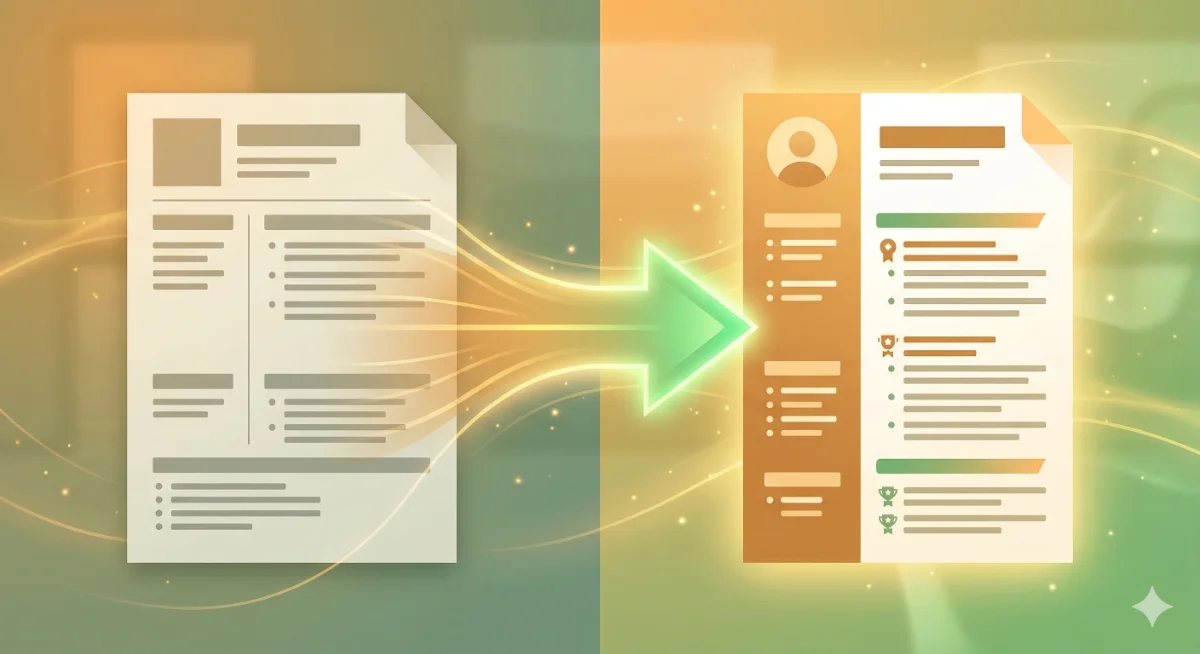
Use one repeatable AI workflow to match the job post, pull the right proof from your master resume, and produce a clean tailored version,fast, honest, and ATS-friendly.

Use AI as a practice partner to rehearse real interview questions, tighten your stories, and get calmer on the spot,without memorizing scripts.

Use one simple AI workflow to choose 3 realistic target roles, write a clear positioning statement, and build a keyword list you can reuse in your resume and applications.

A calm, beginner-friendly way to try AI for real life, without hype, tech talk, or feeling behind. Get your first helpful result in 10 minutes.
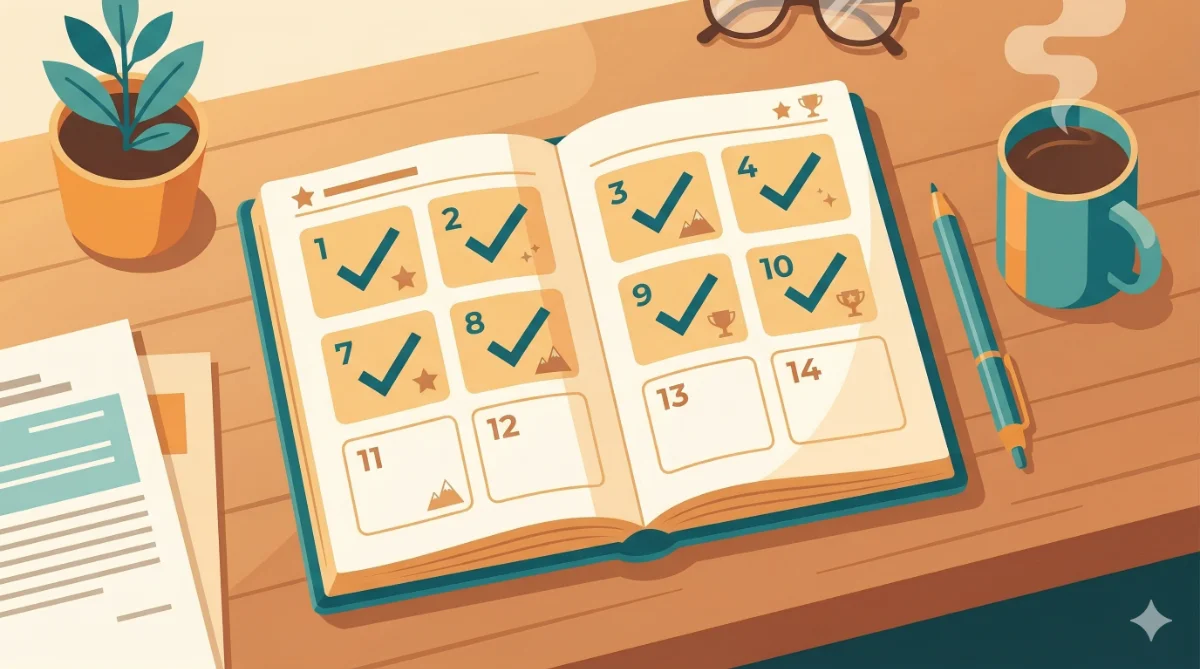
A simple day-by-day plan that turns AI into a job search assistant: pick a target, build a master resume, tailor fast, find better jobs, practice interviews, and follow up,without burning out.

Build one solid “master resume” plus a reusable wins bank so you can tailor future applications in minutes,without making up experience.
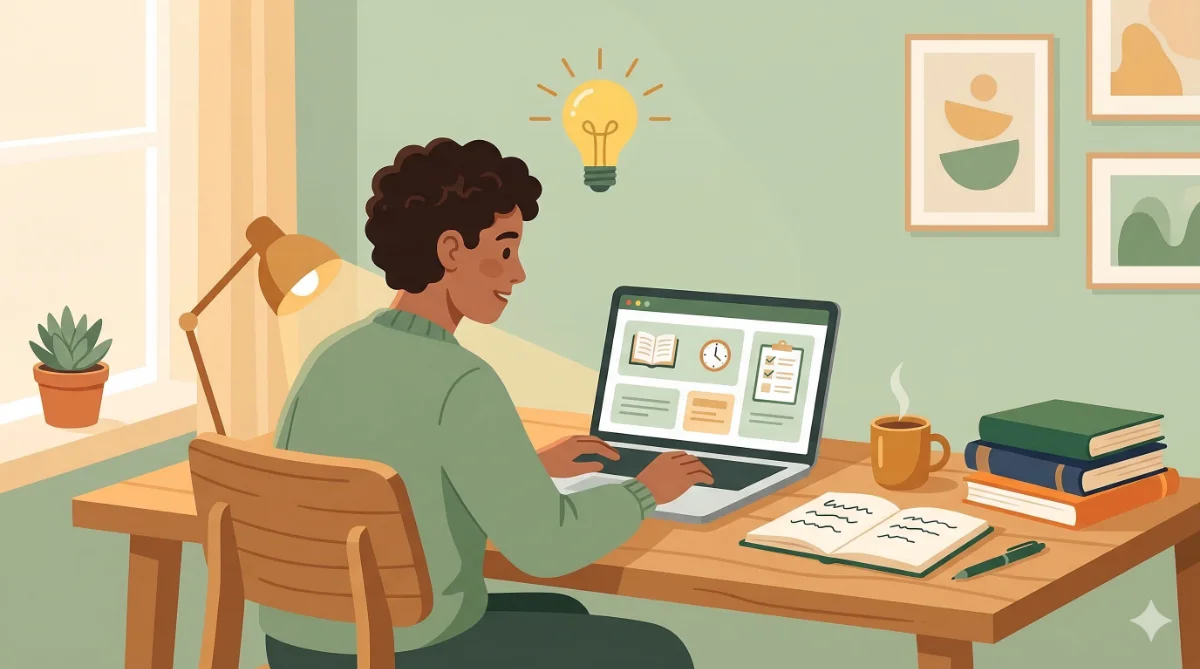
Pick one high-impact skill from real job posts, then use AI to explain, quiz, and coach you through practice,so you can build proof and feel ready faster.

Use a simple 3-paragraph structure and one reusable AI prompt to write cover letters that feel personal, specific, and honest,without weird buzzwords.