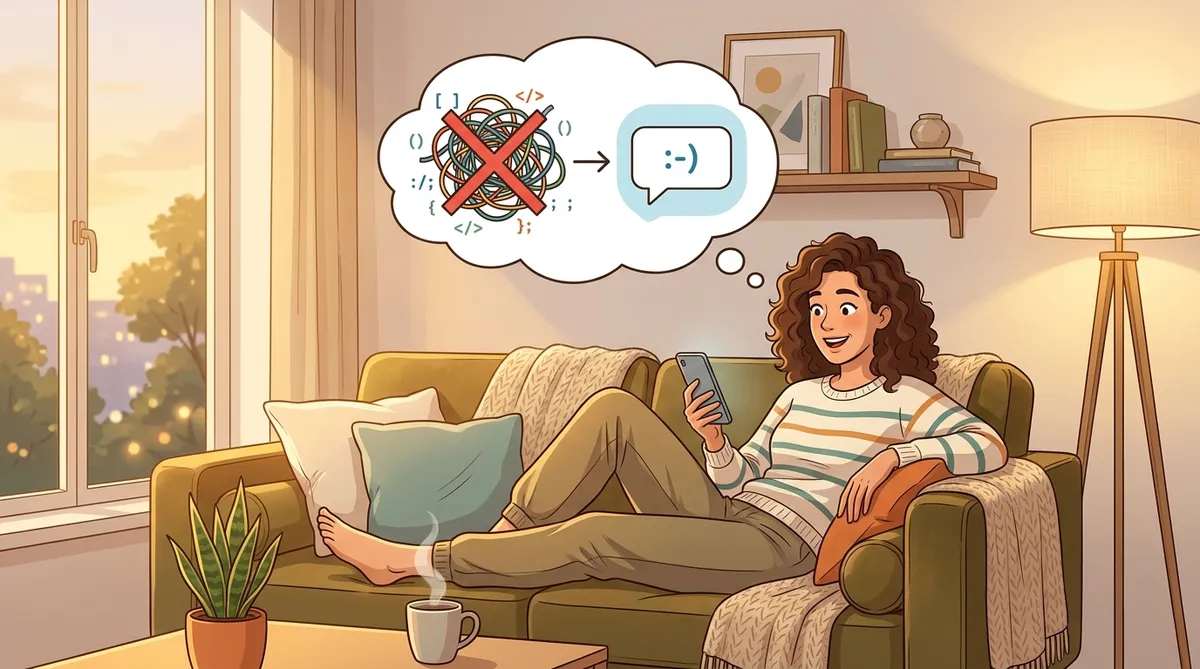

The Rule of Three: How to Know When It's Time to Automate
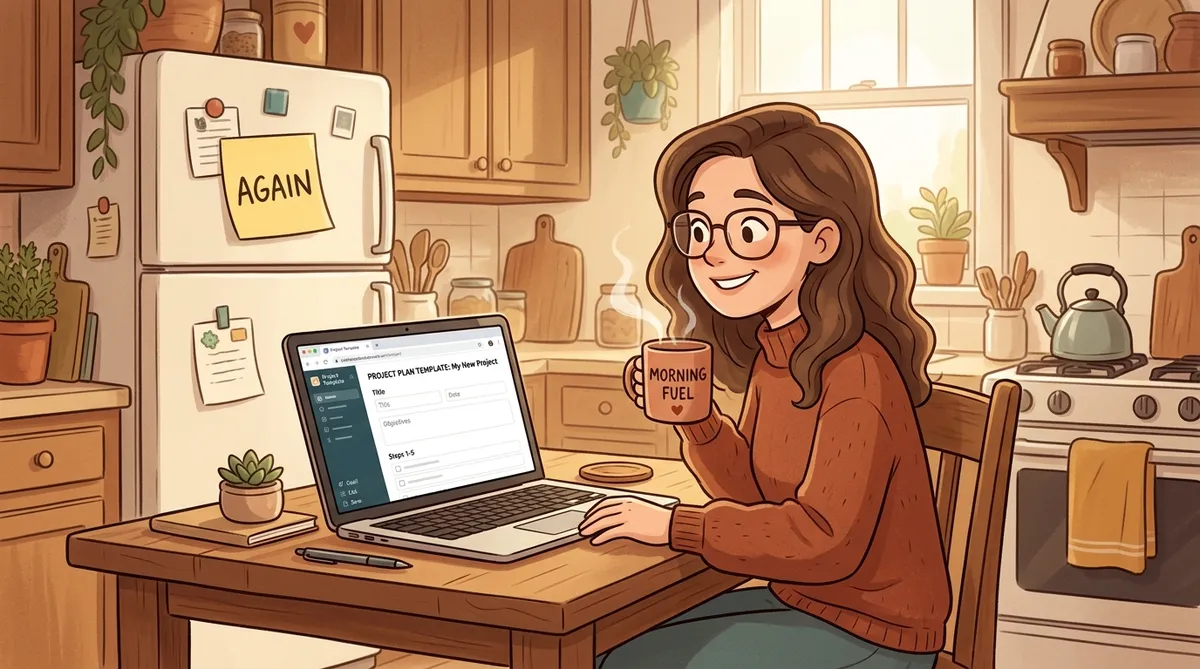
You just typed the same email for the third time this month. Same structure, same tone, same “just checking in” opening. And you’re thinking: there has to be a better way.
There is. But the answer isn’t “automate everything.” It’s knowing when something is worth automating and when it’s not.
That’s where the Rule of Three comes in.
What Is the Rule of Three?
It’s simple:
- First time you do something: Just do it. Figure it out as you go.
- Second time: Notice the pattern. Think, “Huh, I’ve done this before.”
- Third time: Stop. Build a shortcut.
The idea is that one repetition is just life. Two is a coincidence. Three is a pattern. And patterns are exactly what AI is good at handling for you.
The Quick Test
Real Examples of the Rule of Three
Here’s what this looks like in everyday life:
Meal planning. The first week, you browse recipes and wing it. The second week, you notice you always plan around the same constraints (budget, picky eaters, what’s in the fridge). The third week? Ask your AI to help:
Meal Planning Shortcut
Plan five dinners for this week. We're a family of four. Budget is $80. Two kids who won't eat anything spicy. We already have chicken, rice, and canned tomatoes. Keep it simple.
Save that prompt. Next week, swap out what’s in the fridge and you’re done in two minutes.
Work emails. First time you write a follow-up to a client, you think about every word. Second time, you realize you’re writing the same structure. Third time, you save a template:
Follow-Up Email Template
Write a friendly follow-up email to a client I met with last week. Mention [topic we discussed], thank them for their time, and suggest a next step of [action]. Keep it under 100 words and professional but warm.
Weekly scheduling. You manually block out your calendar every Sunday night. Same categories every time: work blocks, kid activities, errands, personal time. By the third week, you realize you could tell your AI your recurring commitments and let it draft the weekly layout for you.
When NOT to Automate
The Rule of Three has a flip side. Some things should stay manual, even if you’ve done them a hundred times:
Judgment calls. Responding to a friend going through a tough time. Deciding which job offer to accept. Writing a heartfelt note. These need you, not a template.
One-offs. Planning a surprise birthday party for your mom. Researching a specific vacation destination. If you’ll never do it again, spending time on a shortcut is wasted effort.
Things that are still changing. If your process shifts every time you do it, you’re not ready to automate. You’ll end up building a shortcut for something you’ll do differently next month. Let the process settle first.
The Trap of Automating Too Early
Simple vs. Complex: Start Small
“Automation” sounds big and technical. It doesn’t have to be. There’s a spectrum:
Level 1: Save a prompt. Copy your best AI prompt into a note on your phone. Next time, paste it in and change a few details. That’s it. That’s automation.
Level 2: Create a template. Write a reusable prompt with blanks you fill in each time. Like a form letter, but for AI conversations. The meal planning and email examples above are both Level 2.
Level 3: Build a workflow. Connect multiple steps together. “Every Monday morning, draft my weekly schedule based on my calendar, then list three meals to plan around what’s expiring in the fridge.” This is more advanced, but you don’t need to start here.
Most people never need to go past Level 2. And that’s perfectly fine.
- Think of one task you’ve done at least three times this month
- Write down the steps you follow (even roughly)
- Turn those steps into a saved prompt
- Try it once and adjust if needed
- Save the final version somewhere easy to find
The Goal Isn’t Efficiency. It’s Freedom.
Here’s the part most productivity advice gets wrong. The point of automating your weekly meal plan isn’t to save 15 minutes. It’s to stop thinking about it. It’s to reclaim that little slice of mental energy for something that actually matters to you.
Every time you automate a repetitive task, you’re not just saving time. You’re clearing headspace. And that’s worth more than any number of minutes saved.
So the next time you catch yourself doing the same thing for the third time, pause. Ask yourself: “Can I turn this into a shortcut?” If the answer is yes, take five minutes and do it. Your future self will thank you.
Try It Right Now
Pick one task you've repeated this week. Open your AI assistant, describe the task, and save the prompt for next time.