

AI Meal Planning: Get a Week of Dinners in 5 Minutes
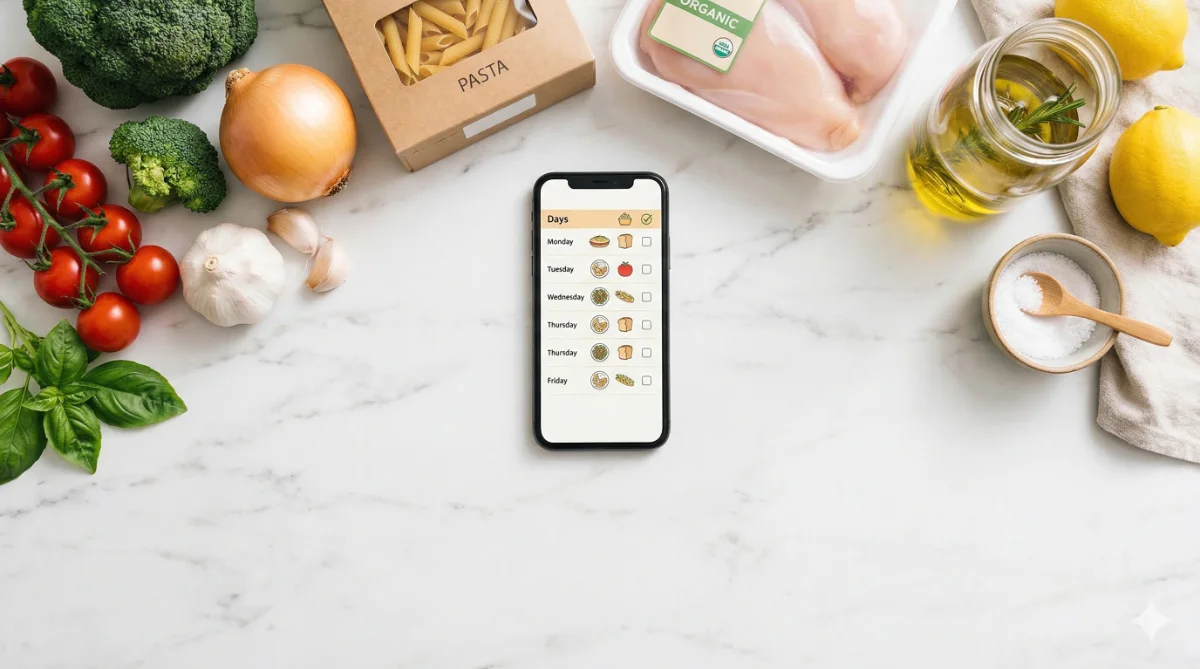
It’s 4:30 PM. You have no idea what’s for dinner. The fridge has some stuff in it but nothing that forms an actual meal. Sound familiar?
This happens to most of us three or four times a week. And every time, it ends the same way: takeout, a sad frozen pizza, or 45 minutes of scrambling.
Here’s a better option. Open any free AI tool, paste in one prompt, and have a full week of dinners plus a grocery list in about five minutes. Let me show you exactly how.
The One Prompt That Does It All
Copy this, customize the parts in brackets, and paste it into ChatGPT, Claude, or Google Gemini.
The Meal Planning Prompt
Create a 7-day dinner plan for [number] people. Budget: about $[amount] for the week. Dietary restrictions: [list any, or say "none"]. Cooking skill level: [beginner/intermediate]. Max active cooking time: [number] minutes per meal. We like: [list 3-5 foods your family enjoys]. We don't like: [list any foods to avoid].

For each day, give me:
- The meal name
- Active cooking time
- A brief description (2-3 sentences)

Then give me a combined grocery list organized by store section (produce, dairy, meat, pantry).
That’s it. One prompt. You’ll get back seven dinners and a shopping list, usually in under a minute.
A Real Example
Here’s what this actually looks like in practice. We ran this prompt for a family of four with a $100 budget and a “keep it simple” requirement. The results:
Monday: Sheet pan chicken with roasted vegetables (20 min active). Season chicken thighs and vegetables, spread on a sheet pan, roast at 425 for 25 minutes.
Tuesday: Quick pasta with sausage and broccoli (15 min active). Brown the sausage, steam the broccoli, toss with pasta and a little olive oil.
Wednesday: Slow cooker chili with cornbread (10 min active). Dump everything in the slow cooker in the morning. Mix up a box of cornbread when you get home.
Thursday: Build-your-own taco night (15 min active). Brown ground turkey, set out toppings, let everyone assemble their own.
Nothing fancy. Nothing with 30 ingredients. Just solid weeknight dinners that a normal person can actually make after a long day. The total grocery cost came in around $87, leaving room for a snack impulse buy.
The grocery list came out organized by section, which meant one efficient trip through the store instead of wandering back and forth between aisles.
When the Suggestions Are Weird
Sometimes AI suggests meals that are a little off. Maybe it recommends a recipe with an ingredient your family hates, or it gives you something that takes way longer than promised.
That’s normal. Just tell it what to fix.
Quick Fix Prompts
Replace Thursday's meal with something simpler. We're usually tired on Thursdays.

Make Tuesday's dinner kid-friendly. My kids won't eat anything with visible vegetables.

We already have leftover chicken from Sunday. Use that for Monday's dinner instead.
Each adjustment takes about 10 seconds. After two or three tweaks, you’ll have a plan that actually works for your week. We’ve found that the second week’s plan is always better than the first because you learn what to tell the AI upfront. By week three, our prompt was dialed in and the results needed almost no tweaks.
Quick Tip
Making It Even Faster Next Time
Once you have a meal plan you liked, save the prompt somewhere easy to find (a note on your phone works great). Next week, paste it in again and just say “give me a different week with the same preferences.” The AI remembers your constraints from the original prompt and generates fresh meals without you retyping everything.
Some people run this every Sunday morning while drinking their coffee. Five minutes of planning saves hours of decision-making throughout the week. One person described it as “the best habit I picked up this year, and it took zero willpower.”
What About Grocery Delivery?
If you use a grocery delivery service like Instacart or Walmart pickup, you can paste the grocery list right into your cart search. It takes the meal planning workflow from “five minutes for the plan” to “five minutes for the plan plus ten minutes to order everything.” Dinner for the entire week, handled before lunch on Sunday.
- Pick a free AI tool (ChatGPT, Claude, or Gemini)
- Copy the meal planning prompt above
- Customize it with your family’s details
- Generate your first week of meals
- Tweak any meals that don’t work for you
- Save the prompt for next week
Try It With One Night First
If a full week feels like too much commitment, start smaller. Ask AI to plan just tonight’s dinner based on what’s already in your fridge. Take a photo of your fridge contents, describe what you see, and ask for a meal idea. That’s a two-minute test that proves the concept before you go all in on weekly planning.
We did exactly this the first time. “I have chicken thighs, rice, soy sauce, and frozen broccoli. What can I make in 20 minutes?” It came back with a simple chicken stir-fry with a homemade teriyaki glaze. Took 18 minutes. The kids ate it. We were sold.
The whole point is making dinner less stressful. If AI can take one decision off your plate each day, that adds up to a lot of mental energy you get back.